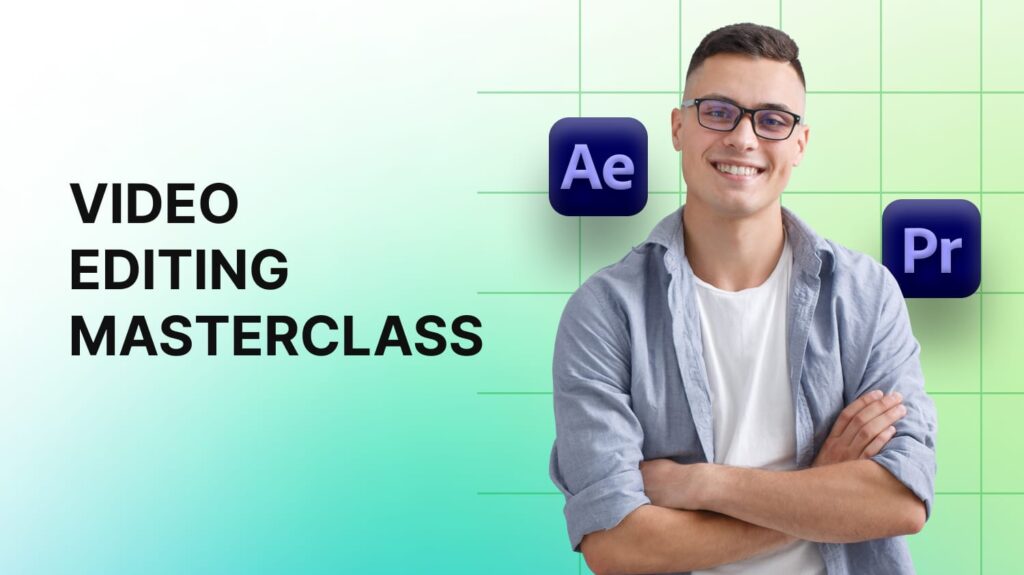
This course takes you from beginner to confident video editor using Adobe Premiere Pro. You’ll learn how to create clean, professional edits, add music and sound effects, work with transitions, and color-grade like a pro. Every lesson is hands-on, showing you how to turn raw clips into polished videos ready for YouTube, social media, or client work.
By the end, you’ll know how to edit faster, tell better stories visually, and export videos that look stunning on any platform.
Overview of the interface and workspace setup
Importing and organizing footage
Project and timeline basics
Cutting, trimming, and rearranging clips
Using ripple, roll, and slip edits
Working efficiently with shortcuts
Adjusting volume, fading, and balancing sound
Adding background music and sound effects
Syncing audio with video
Creating text overlays and lower thirds
Designing motion titles
Adding subtitles for better accessibility
Applying smooth transitions between scenes
Using visual effects and blending modes
Managing video speed and slow-motion clips
Fixing exposure, contrast, and white balance
Creative color looks using Lumetri panel
Matching colors across multiple clips
Working with multiple camera angles
Masking and keying techniques (green screen)
Dynamic linking with After Effects
Choosing the right export settings
Exporting for YouTube, social, and film
Archiving your projects professionally


812 8899 957
info@mentoro.com
Copyright © 2024 Mentoro