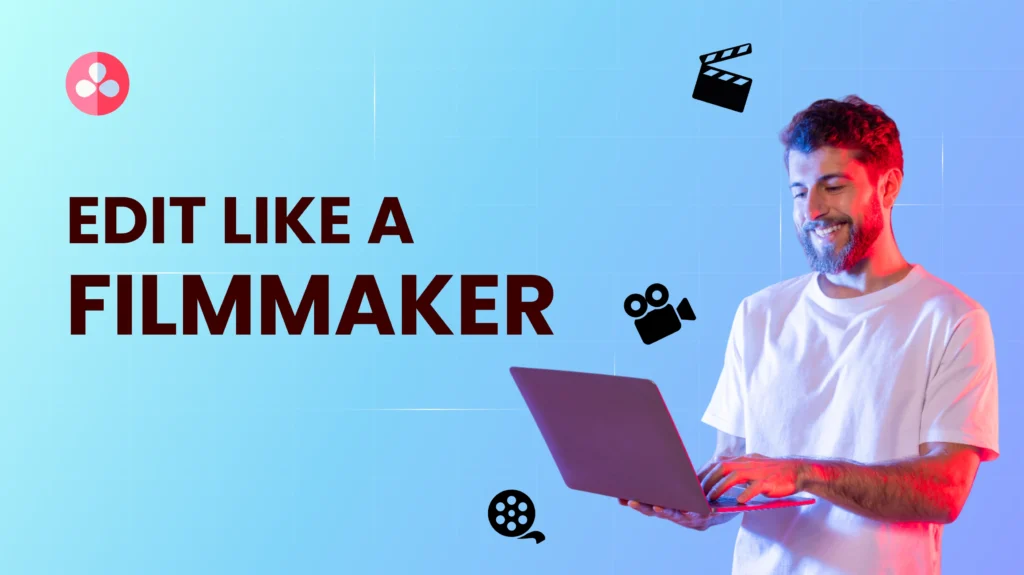
This course helps you master DaVinci Resolve from scratch. You’ll learn how to edit videos confidently, enhance visuals with color grading, mix audio like a pro, and apply visual effects to bring stories to life. By the end, you’ll be ready to create professional videos for YouTube, social media, or clients with ease.
Introduction to the workspace and layout
Setting up projects and timelines
Importing and organizing media
Understanding editing modes and tools
Cutting, trimming, and joining clips
Adding transitions and managing track layers
Working with the Inspector and timeline effects
Keyboard shortcuts for faster workflow
Adjusting volume, balance, and fade-ins
Adding background music and voiceovers
Syncing audio with video
Cleaning up noise using Fairlight
Basics of color theory and balance
Correcting exposure and white balance
Creative looks using LUTs and color wheels
Matching shots across clips
Intro to Fusion page for VFX
Creating titles and lower thirds
Using keyframes for motion and animation
Simple compositing and tracking
Choosing the right format and resolution
Rendering for YouTube, Instagram, and client use
Export presets and delivery tips
Managing file size without losing quality
Editing a complete video project
Getting personalized feedback
Building your video editing portfolio
Steps to find clients or create your own brand

812 8899 957
info@mentoro.com
Copyright © 2024 Mentoro